

From footage understanding to finished edit, handled by ClipMind Agent

Overview
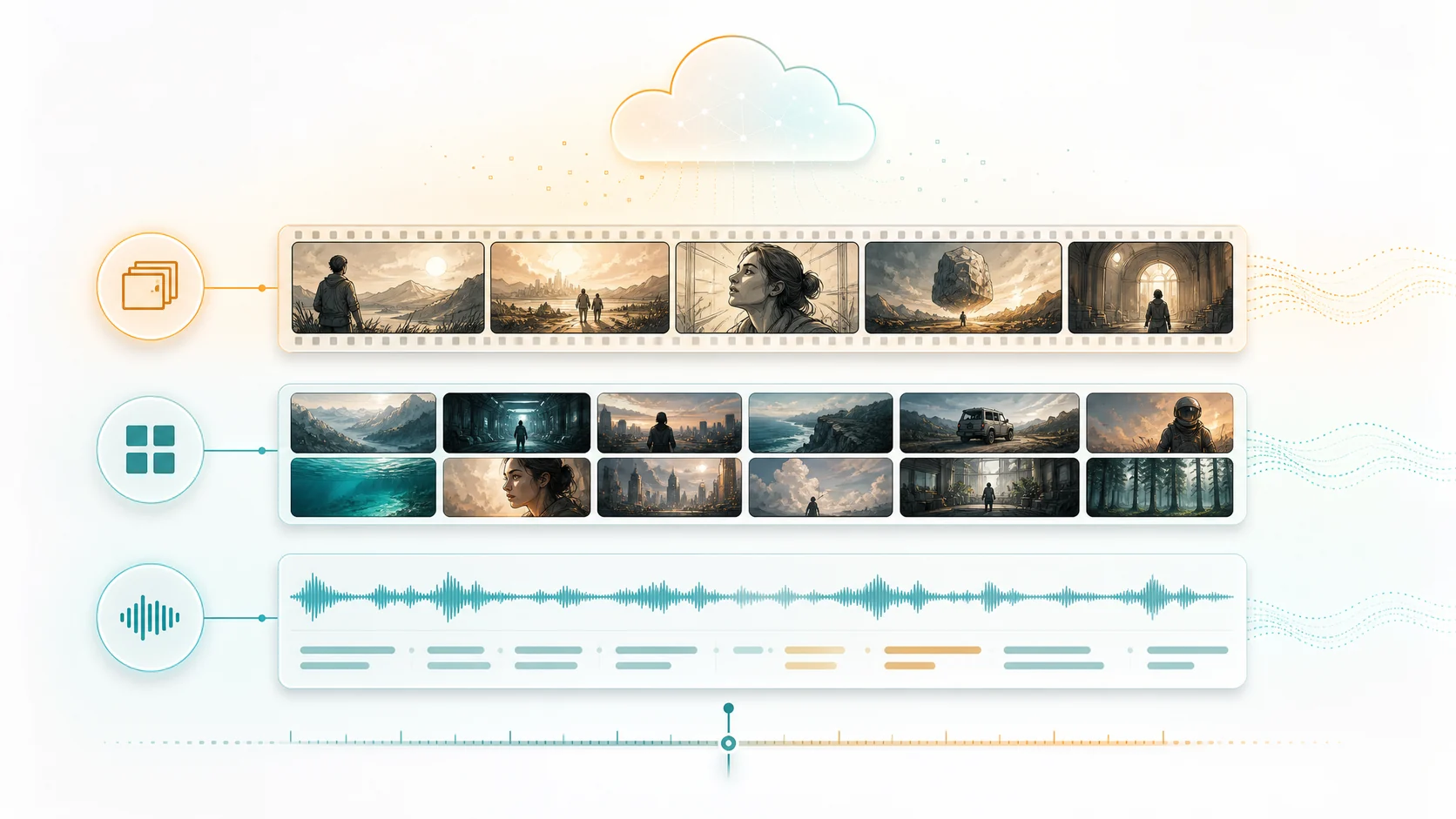
It understands first, then edits
The agent turns visuals, dialogue, people, and story beats into an edit plan, then moves usable moments into the timeline.
- Multi-video asset poolLong videos, episode batches, and extra footage can be understood inside one project.
- Video-level understandingVisuals, dialogue, characters, objects, and key ranges stay tied to source footage.
- Automatic edit planGenerate scripts, candidate clips, narration, and finished edit versions from understanding results.
More than transcription. Real video understanding.
ClipMind reads visuals, dialogue, people, and story beats together so edit decisions have context.

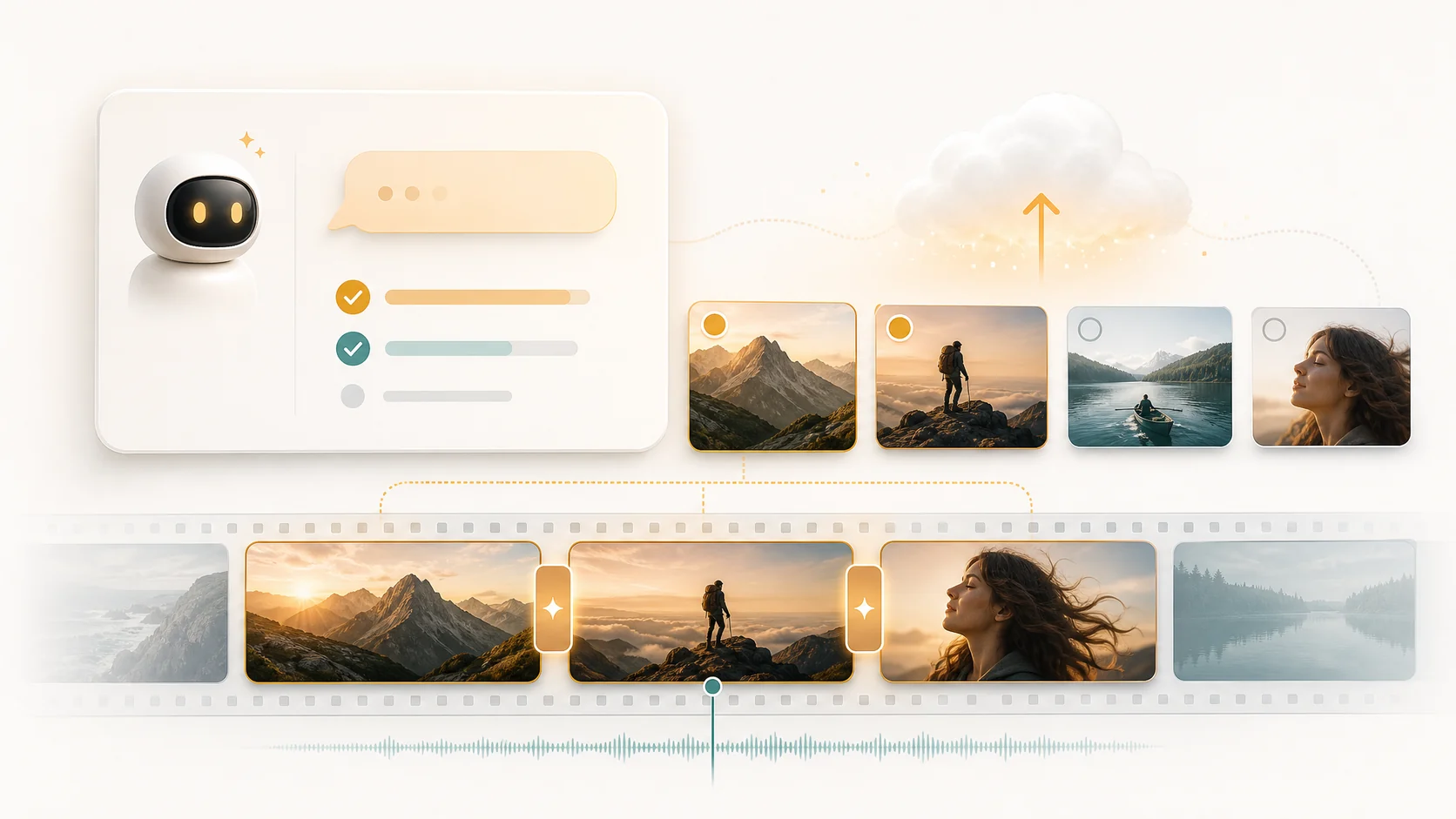
Auto-edit video in three steps
Upload footage, confirm the goal, and let the agent generate an exportable edit.

Workflow
From raw footage to a reviewable edit version
ClipMind does more than turn video into text. It builds context from visuals, dialogue, people, objects, scene changes, and story beats, then keeps those signals inside one project so scripts, timelines, and exports can reuse the same understanding layer.
This workflow is useful for long videos, story recaps, interview clips, podcast highlights, multi-episode projects, and visual montages. Creators can review the reverse script and clip suggestions before deciding what should appear in the final version.
During editing, ClipMind turns understanding results into practical structure: sections, clips, narration, timeline order, and export history. You still review pacing, tone, and brand voice, but you do not have to find every important moment from scratch.
For team production, project-level context makes later versions easier to trace. Script changes, clip choices, and exports stay connected to source footage, which helps review, reuse, and ongoing additions to the same project.
feature
Editing agent capabilities
Built around video understanding, script generation, automatic editing, and export.
Video understanding
Scene splits, dialogue, key frames, characters, and objects are organized automatically.
Reverse script
Story beats, dialogue references, and source evidence are extracted automatically.
Automatic clip selection
Pick usable moments from the asset pool based on the edit goal.
Timeline assembly
Combine clips, narration, and agent suggestions into edit versions.
Narration and voice
Official voices, cloned voices, and default voice selection.
Finished export
Manage versions, export history, download links, and expiration state.
showcase
Built for these video jobs
One agent can handle story recaps, montage edits, podcast slicing, and multi-episode append flows.


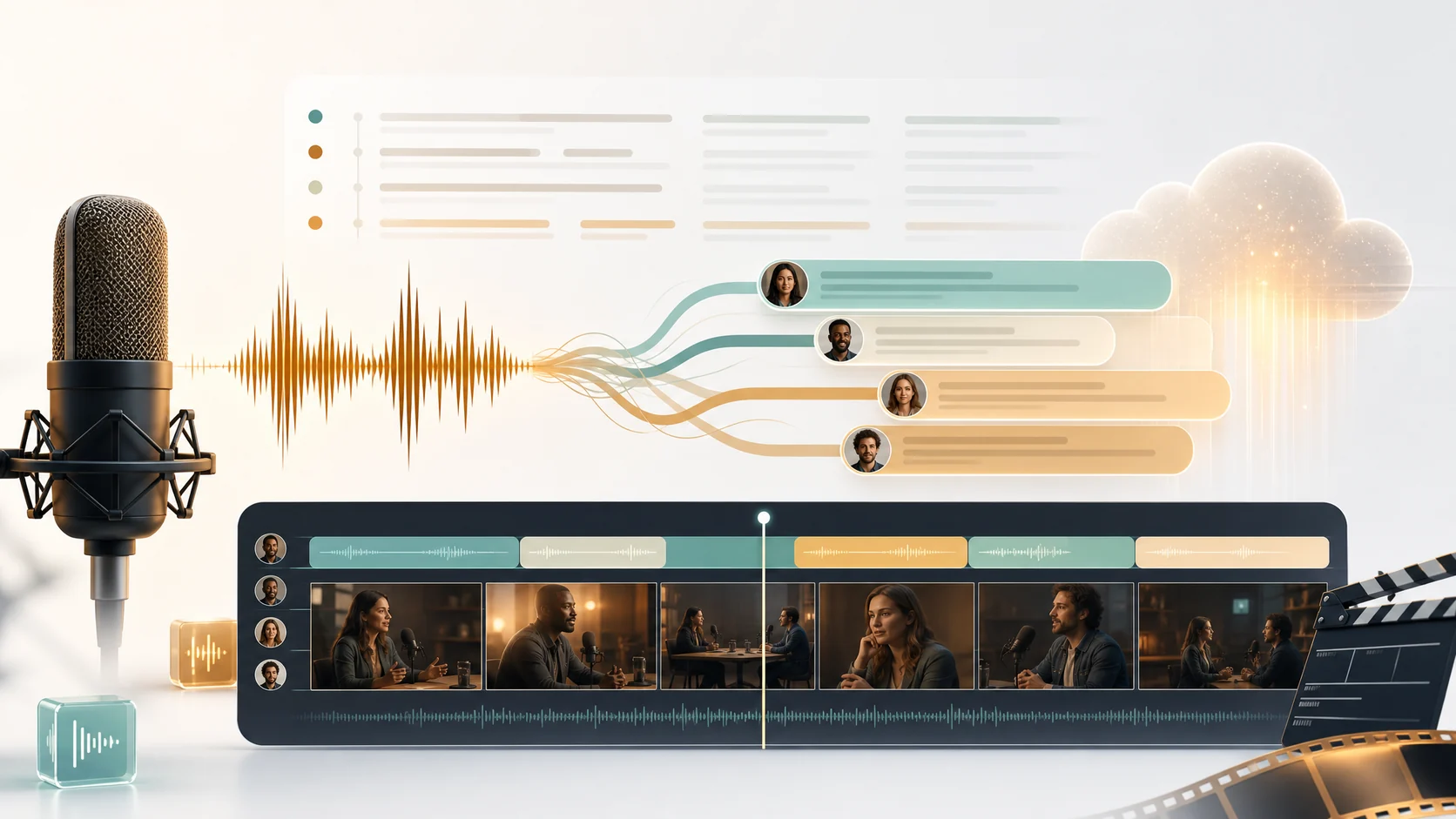

Built for real automatic video editing
ClipMind is live, with a core path from footage understanding to script generation, timeline assembly, and export.
Auto flow
8
from upload to export
Understanding modes
3
visual, story, dialogue
Project views
6+
list, script, edit, and more
Pricing
Simple minute-based plans
Use plan minutes for video understanding, auto editing, and finished exports. Choose monthly flexibility or an annual bucket for ongoing production.
Billing note: source videos are rounded up by duration with a 5-minute minimum per video. Exports use finished-video duration. Custom voice limits add up across active plans; each custom voice create, replace, or reclone uses 5 minutes. Cancellation stops the next renewal.
Starter
For trials and small batches.
Includes
- 1000 minutes per month
- 1 custom voices
- Video understanding + auto editing
- Project workspace + finished exports
- No watermarks, no brand logos
Monthly minutes do not roll over.
Pro
For regular creation and steady output.
Includes
- 5500 minutes per month
- 5 custom voices
- Video understanding + auto editing
- Project workspace + finished exports
- No watermarks, no brand logos
Monthly minutes do not roll over.
Scale
For teams and high-volume workflows.
Includes
- 22000 minutes per month
- 20 custom voices
- Video understanding + auto editing
- Project workspace + finished exports
- No watermarks, no brand logos
Monthly minutes do not roll over.
FAQ
A few key points about the ClipMind automatic editing agent.
Is this a real automatic editing agent?
Yes. ClipMind understands the footage first, then generates scripts, clip suggestions, and edit versions. Quick human review is still recommended before publishing.
What can it understand in a video?
It organizes scene splits, key frames, dialogue, characters, objects, story beats, and source time ranges.
Does it support multi-video projects?
Yes. Long videos, episode batches, and extra footage can be merged and understood inside one project.
Is it just a transcription tool?
No. ClipMind combines visuals, dialogue, and time-range context to organize scripts, clips, and edit order.
cta
Let the agent cut your first video
Upload footage. ClipMind understands the content first, then generates an edit version automatically.